
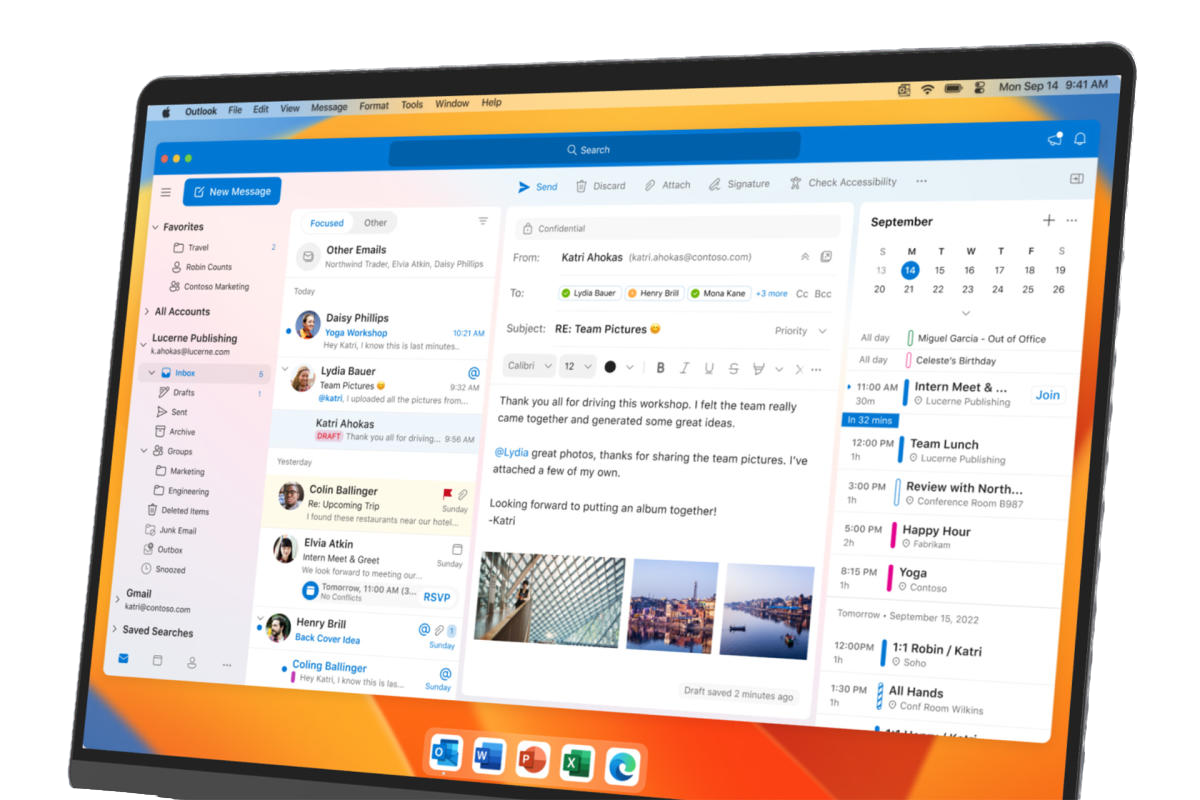
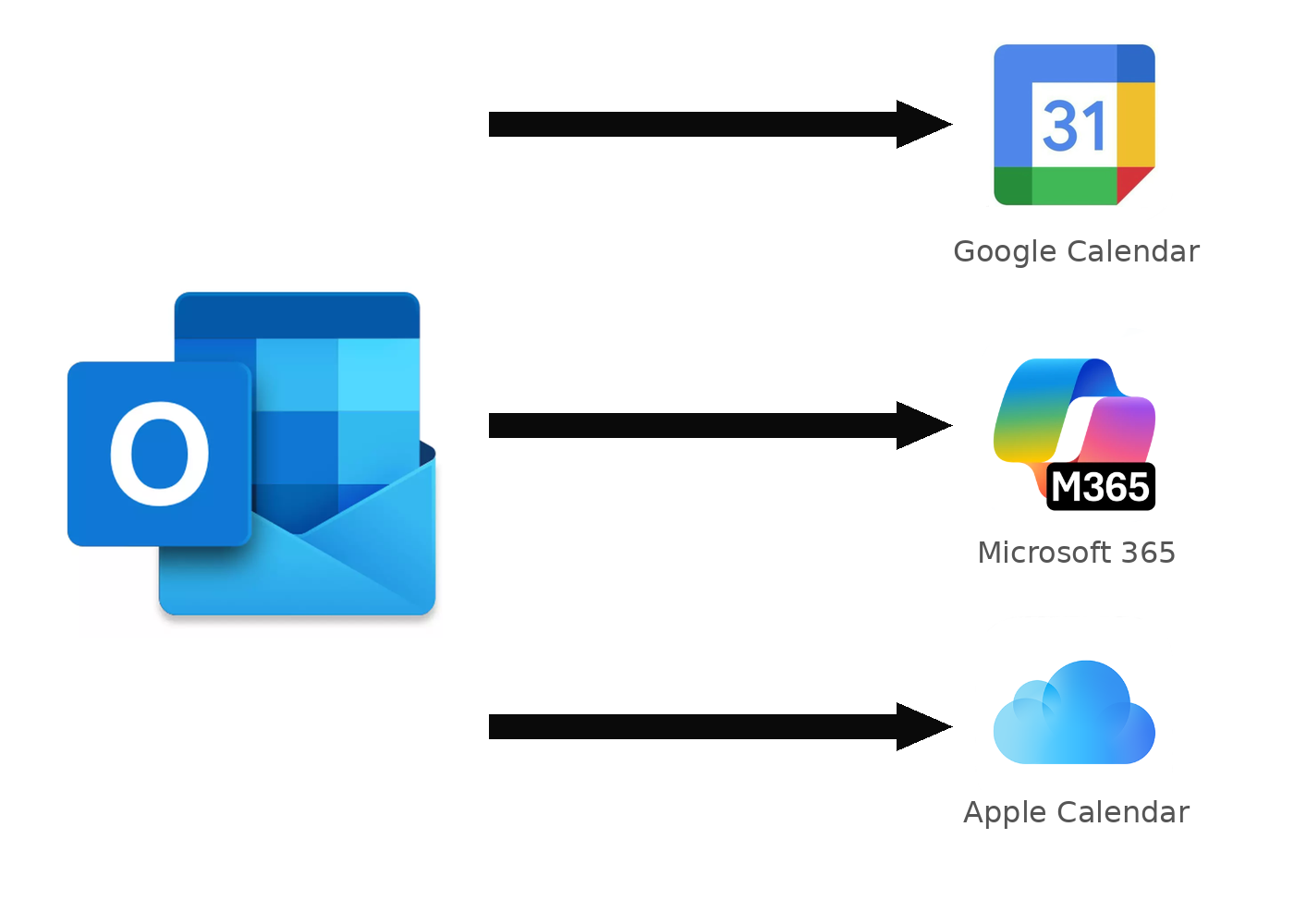
MOMSync Application Icon MOMSync is a lightweight menu-bar utility for Microsoft™ Outlook for Mac. It finds the events that live only in your local, on-my-computer calendars (events created on accounts that don't have a calendar service of their own) and keeps them in sync with the online calendar you already use everywhere else — Google Calendar, Microsoft 365 / Outlook.com, or Apple Calendar.


MOMSync can also sync directly between any two of your online calendars, for example Apple Calendar to Microsoft 365, so every calendar you use stays in step, not just your local ones. Set up as many sync routes as you need, each with its own source calendar, destination and schedule. Label synced events by hand, by their source calendar, or automatically by the domain of whoever invited you — and keep sensitive details private with Busy/Free-only mode, which shares just your free/busy status and nothing else.


MOMSync lives quietly on the macOS menu bar, and runs on the schedule you choose, or whenever you select 'Sync Now'.
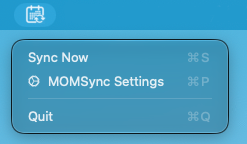
MOMSync appears as an icon on the macOS taskbar
Outlook for Mac syncing to Google Calendar, Microsoft 365, and Apple Calendar

How MOMSync works


Point a local calendar at an online calendar (or two online calendars at each other), and MOMSync takes care of the rest.

MOMSync reads your local Outlook calendar, decoding each event's subject, time, location and attendees.

Before anything is written, you get a preview of exactly what will change — and an unusually large batch of changes is always held back for your approval.

MOMSync then writes the events to your chosen calendar — Google, Microsoft 365, or Apple — through its official, authorized API, on the schedule you set or on demand from the menu bar.

This process ONLY ever adds the events you choose to sync. No other data is read from, or stored about, your mailbox, and nothing is ever sent to our servers — everything happens directly between your Mac and the calendar service you authorize.


Download on the App Store

Ask Claude about your calendar


MOMSync also runs as its own MCP server, so Claude — or any other MCP-compatible assistant — can read your calendars directly from your Mac and answer questions about them, without your data ever leaving it.

Ask things like “What's on my calendar tomorrow?”, “Find 30 minutes free with the design team this week”, “Do I have any clashes next week?”, or “Give me a briefing for my 2pm with Acme Corp” — MOMSync's MCP server pulls together the calendar, mail and attachment details Claude needs to answer.

Everything still runs locally: Claude simply talks to the MCP server already running on your Mac. See the setup guide to connect it in a few minutes.

MOMSync's MCP server connecting your Outlook calendar to Claude

Contact us at info@provulo.com